An app for your iPhone
Everything you save, summarized and read aloud.
Save an article from Safari. The Daily Me writes a short summary, reads it to you in a natural voice and puts it in your own daily edition.
Free. 5 cloud summaries a day.
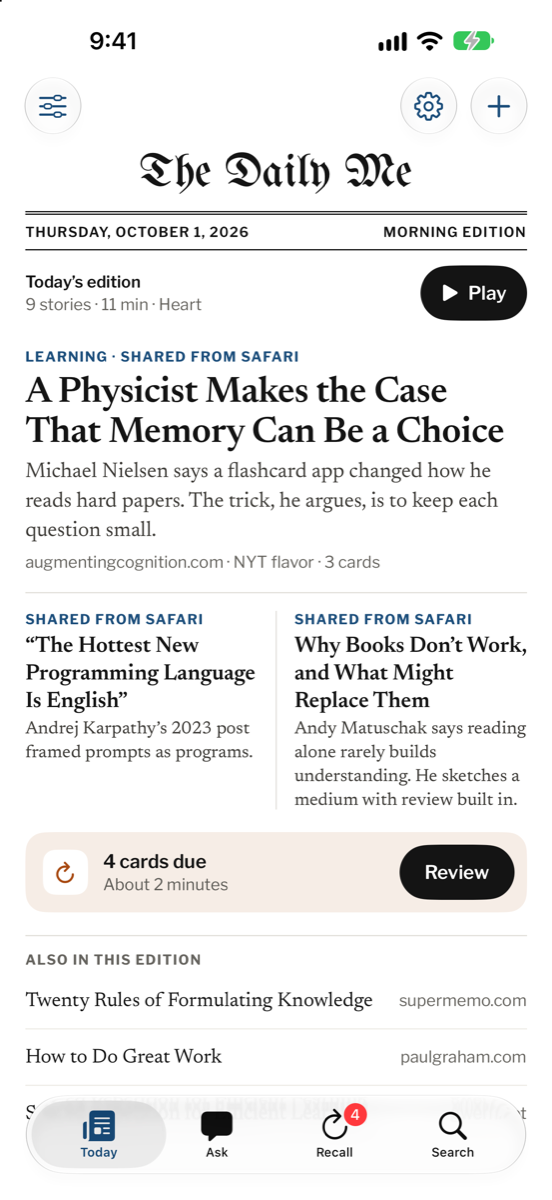
01 · Save
Save from Safari in seconds.
Open the share sheet on any article and pick The Daily Me.
The app keeps the link and the full text. It writes the summary while you do something else. You can always open the original.
- Works in Safari and in other apps that have a share button.
- Add it to your favorites in the share sheet to find it faster.
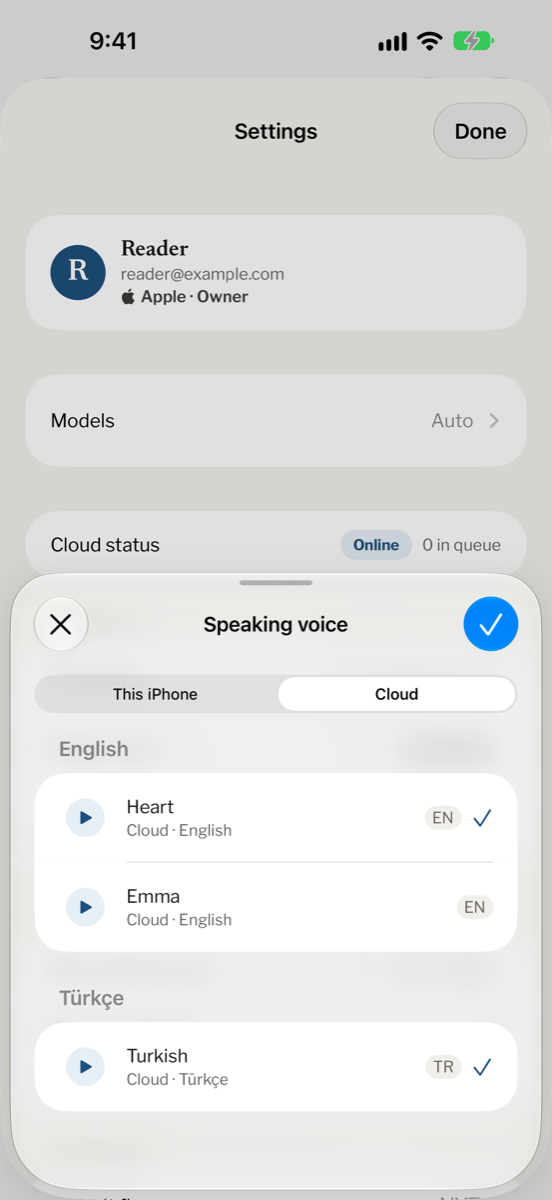
02 · Read
Short summaries in a style you like.
Pick how each story reads. Switch the style on any article.
- NYT
- Economist
- Brew
- ELI5
- Bullets
- Türkçe
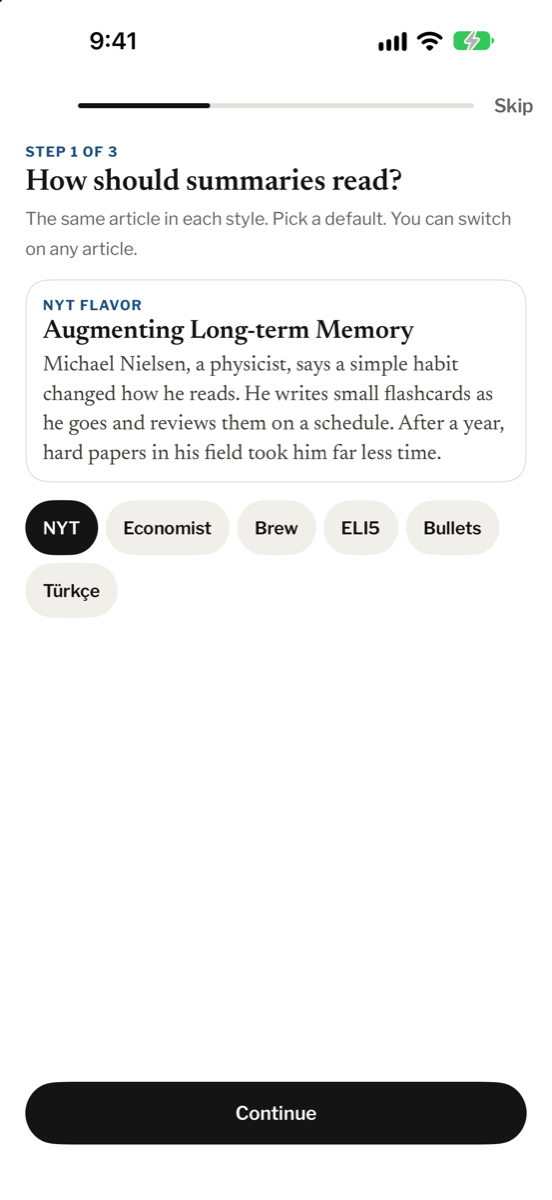
03 · Listen
Your daily edition, read aloud.
Press play on Today. The Daily Me reads your stories one after another in a natural voice.
- Pick a voice and a speed.
- See what is up next in your edition.
- Skip back 15 seconds or ahead 30.
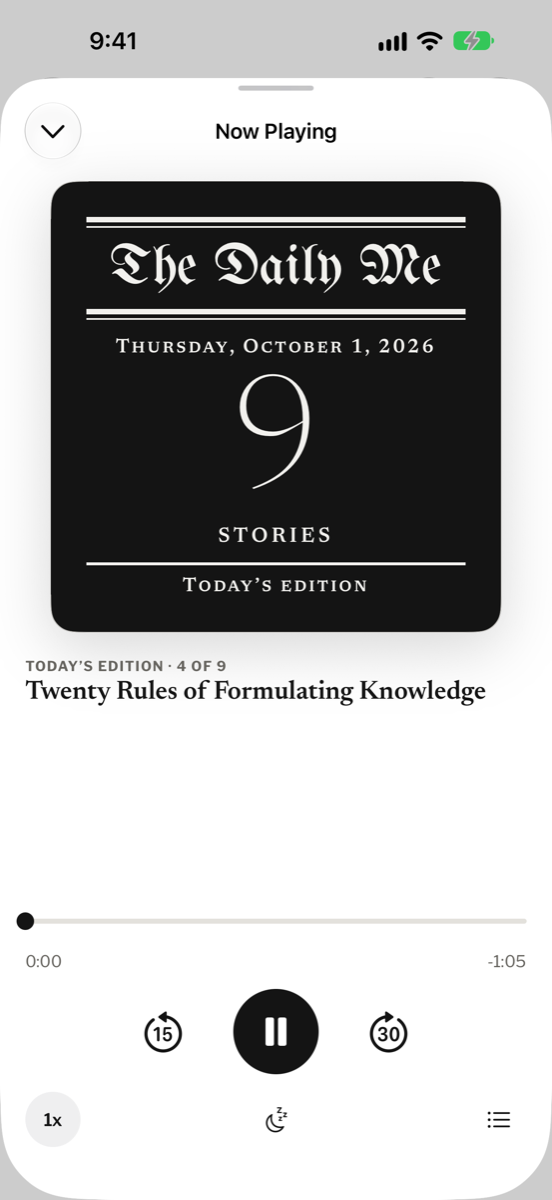
04 · Keep
Remember what you read.
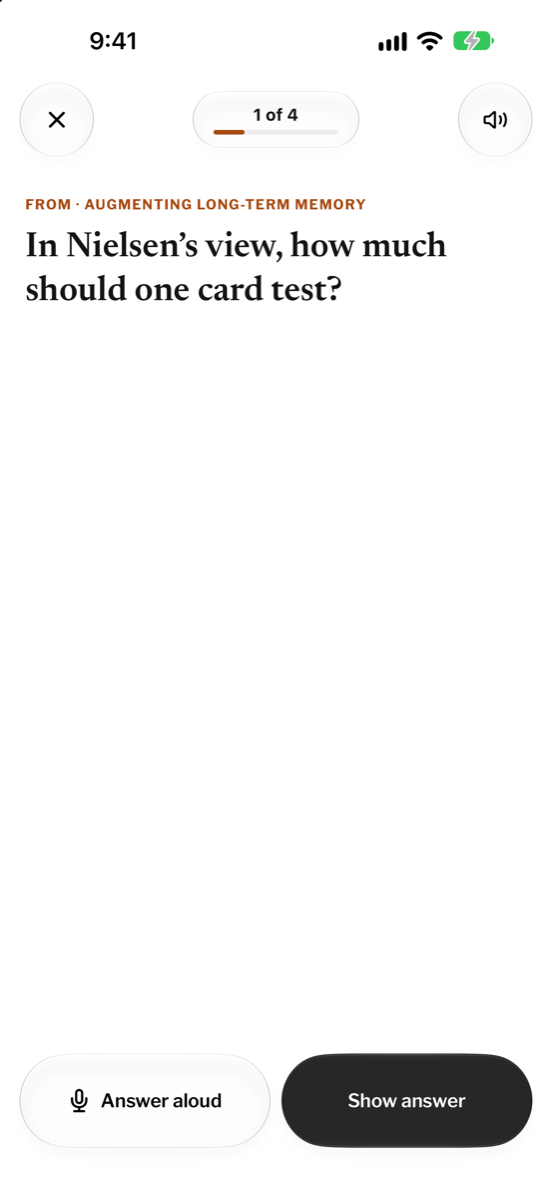
Highlight a line. The app turns it into a Recall card and shows it again when it is due.
Today shows how many cards are due and how long the review takes.
Ask by voice
Talk instead of typing.
Tap the wave button and ask about what you saved. The answer comes back in a voice, from your own articles.
- What did I save about memory?
- Read me the short one about books.
- Which stories mention flashcards?
Free on your iPhone, better with Cloud.
The app uses your iPhone when it can and Cloud when it helps.
This iPhone
Private and free
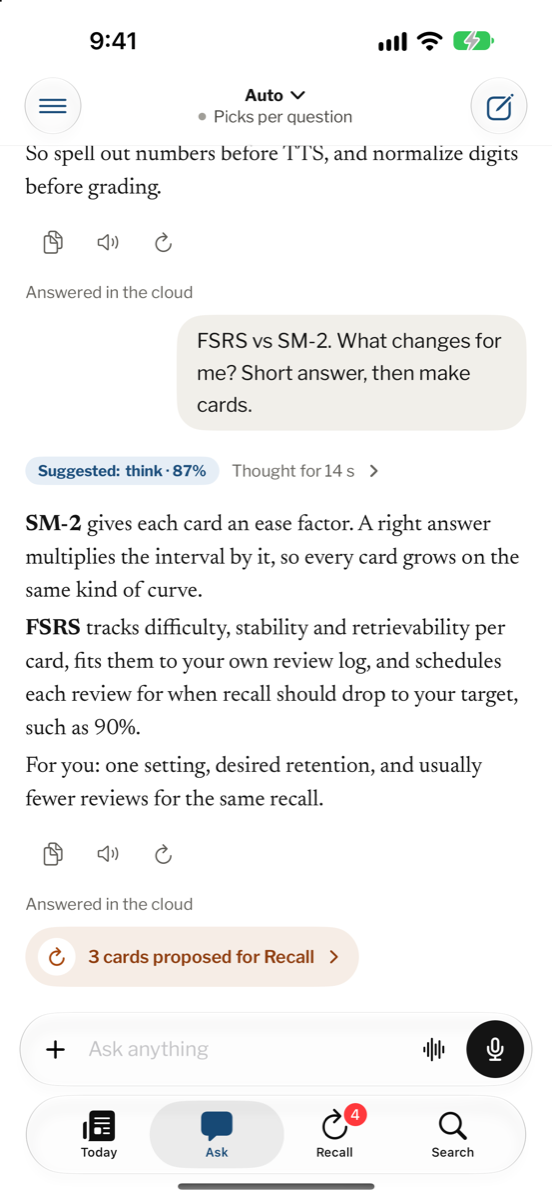
- On an iPhone with Apple Intelligence, Ask and Recall cards run on the phone.
- Your questions stay on the device.
- Nothing leaves the phone for these tasks.
Cloud
Faster and more natural
- Short summaries in six styles.
- Natural voices and your daily audio edition.
- Free: 5 cloud summaries a day.
The app shows what is left for today in Settings. Daily limits reset at midnight in your time zone.